
Introduction
Backlinks remain one of the strongest signals search engines use to evaluate trust and authority. If you want to check website backlinks using Ahrefs, Ahrefs provides one of the most practical ways to review who links to your site, how strong those links are, and where new opportunities may exist. A clear backlink review helps you protect rankings, spot harmful patterns, and understand what content attracts references from other websites.
Understanding the Tool or Feature
What Ahrefs Site Explorer does
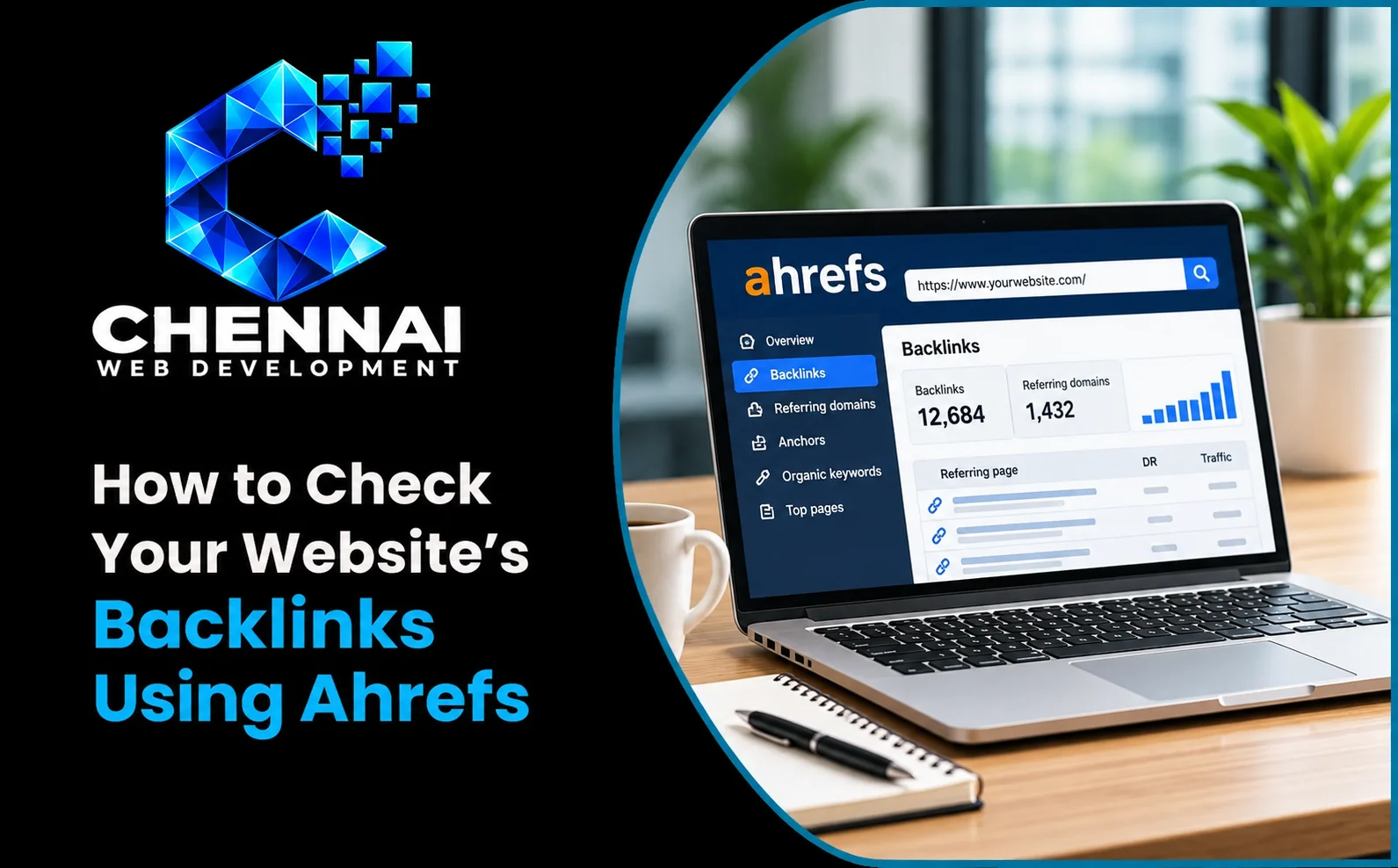
Ahrefs Site Explorer is designed to analyze the backlink profile of any domain, subdomain, or specific URL. It shows referring domains, individual backlinks, anchor text, link attributes, and trends over time. You can use it to audit your own site, compare competitors, or evaluate prospects before outreach. When combined with a solid strategy from a website development company in Chennai, backlink data becomes more actionable because you can connect link quality to page goals and content structure.
Requirements Before Starting
Access and preparation
To get the most accurate view, you need access to Ahrefs (a paid plan or available trial) and the exact domain you want to analyze. It also helps to know whether you are checking the root domain, a subdomain, or a single page. If you are auditing your own website, having access to Google Search Console can provide useful context, but Ahrefs works independently for backlink discovery.
Step-by-Step Tutorial
How to review your backlink profile
- Open Site Explorer: Log in to Ahrefs and go to Site Explorer from the main dashboard.
- Enter your domain: Type your website URL and choose the appropriate mode (domain, subdomain, or exact URL) based on your analysis goal.
- Check the overview: Review Domain Rating, total backlinks, referring domains, and organic traffic estimates to understand the overall profile.
- Open the Backlinks report: Examine individual linking pages, target URLs, anchor text, and link attributes such as dofollow, nofollow, UGC, or sponsored.
- Review Referring Domains: Focus on unique domains linking to you, as diverse quality domains usually matter more than raw link counts.
- Analyze anchors and linked pages: Identify which pages earn links and whether anchor text appears natural and relevant.
- Compare competitors: Enter competitor domains to find referring sites that may also be relevant for your outreach or content planning.
During this process, think about how backlinks support important pages on your site, including service pages built through custom software development solutions or landing pages improved by UI and UX design services.
Practical Examples
Real-world use cases
For example, a local business may discover that most backlinks point to its homepage while key service pages have few references. This insight suggests creating link-worthy guides or case content. Another example: if a blog post earns links from relevant industry sites, you can update and expand that post to attract more references. Teams planning site improvements can align these findings with how to plan a business website before design so link acquisition supports business priorities.
Understanding the Results
How to interpret backlink data
Not all backlinks have equal value. A smaller number of relevant, editorial links from trustworthy sites can be more beneficial than many low-quality directory links. Look for patterns: sudden spikes may indicate spam or campaign activity, while steady growth often reflects consistent content promotion. Also review lost links to identify pages that need redirects, outreach, or content refreshes. If you manage multiple site changes, insights from website maintenance and support services can help you preserve link equity during updates.
Common Mistakes
What to avoid
- Judging success by total backlink count alone without considering relevance and quality.
- Ignoring referring domain diversity and focusing only on repeated links from the same sites.
- Assuming every low-rated link is harmful without reviewing context.
- Forgetting to compare your profile with competitors in the same niche.
- Not tracking changes after content updates, migrations, or outreach campaigns.
Best Practices
Actionable recommendations
Review backlinks regularly, prioritize links that drive referral traffic and topical relevance, and document opportunities for digital PR or partnerships. Strengthen pages that already attract links by improving clarity, depth, and internal pathways. For ongoing growth, coordinate backlink analysis with content planning and technical improvements supported by our web development services. For official feature details and reports, refer to Ahrefs Help Center documentation.
Conclusion
Learning to check website backlinks using Ahrefs gives you a clearer view of your website’s authority, risks, and growth opportunities. By reviewing referring domains, anchors, linked pages, and competitor profiles, you can make informed SEO decisions and focus on earning relevant, high-quality links. Use these insights consistently, and your backlink strategy will support stronger visibility and long-term performance.